Salla React edition
UNS Studio: a Salla theme for furniture and décor
A theme for Salla stores built on Salla Twilight React, with fourteen home sections you customise in the theme editor, a hero as a single banner or a slideshow, Grid and Slider layouts, and Arabic RTL with English LTR.
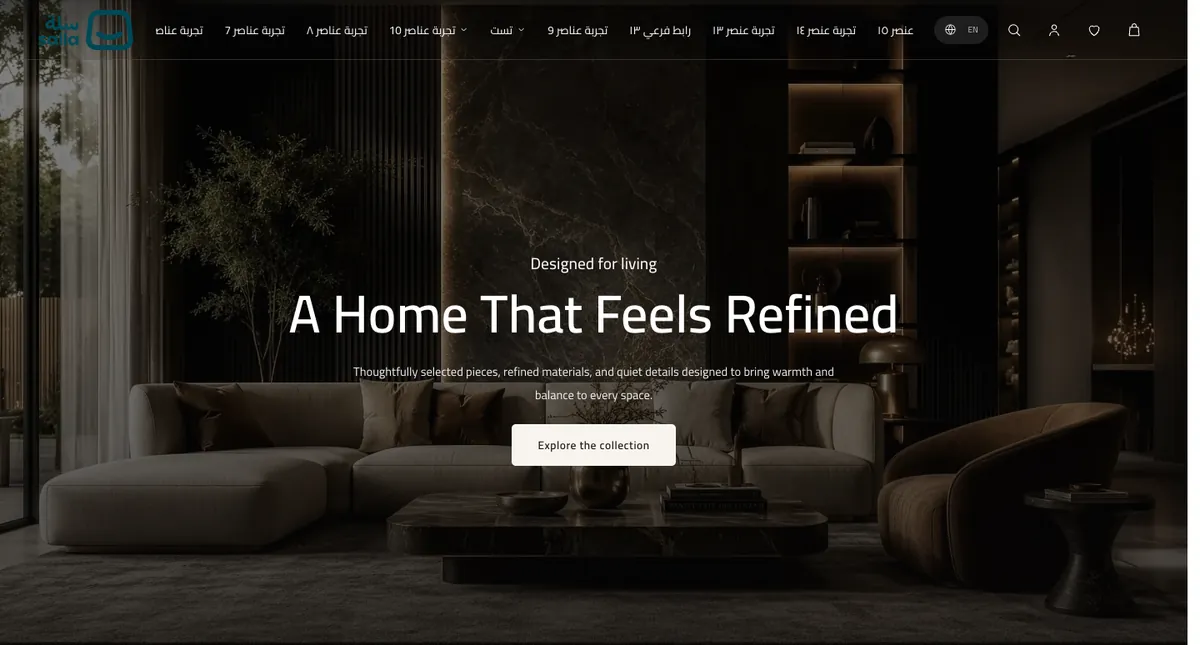
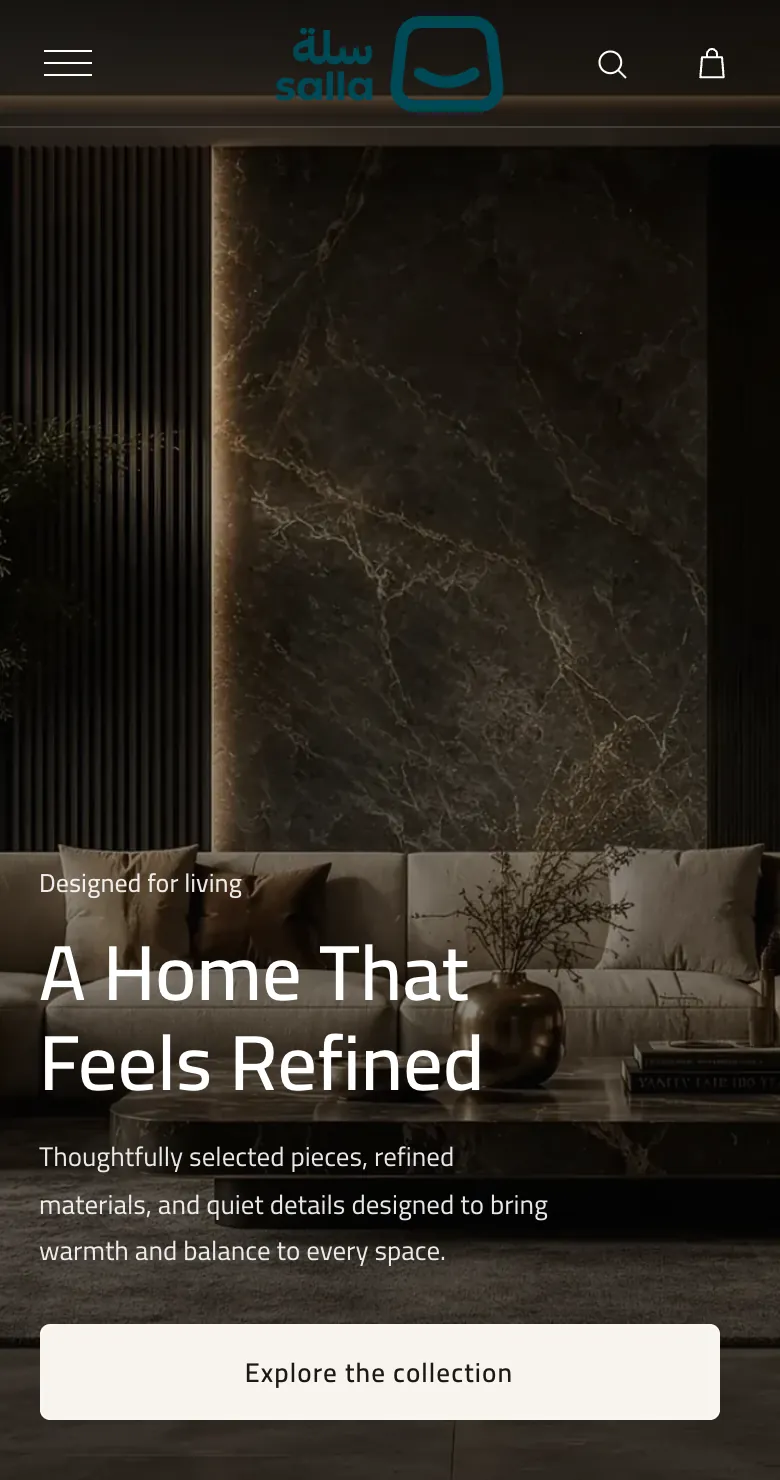
- 14home sections you add, reorder and customise in the theme editor
- RTL + LTRArabic first with full English support; text is saved per language
- Grid / SliderTwo layouts where they fit, and a slideshow for the hero
- Mobile imagesA separate mobile image and focal point for the image sections
Overview
A calm theme for furniture and décor stores
UNS Studio is the Salla build of the UNS theme: the same warm design and the same home sections, built with Salla Twilight React and driven by Salla's own theme editor. You add sections from the editor's catalogue, fill in text, images and links, and choose colours and spacing, without writing code.
Home page
- Banner or slideshow hero
- Tabbed collection
- Spaces
- Media story
- Build your set
- Text with image
- Product strip
- Brands
- FAQ
- Testimonials
- Blog
- Social gallery
Storefront
- Transparent header and mega menu
- Announcement bar
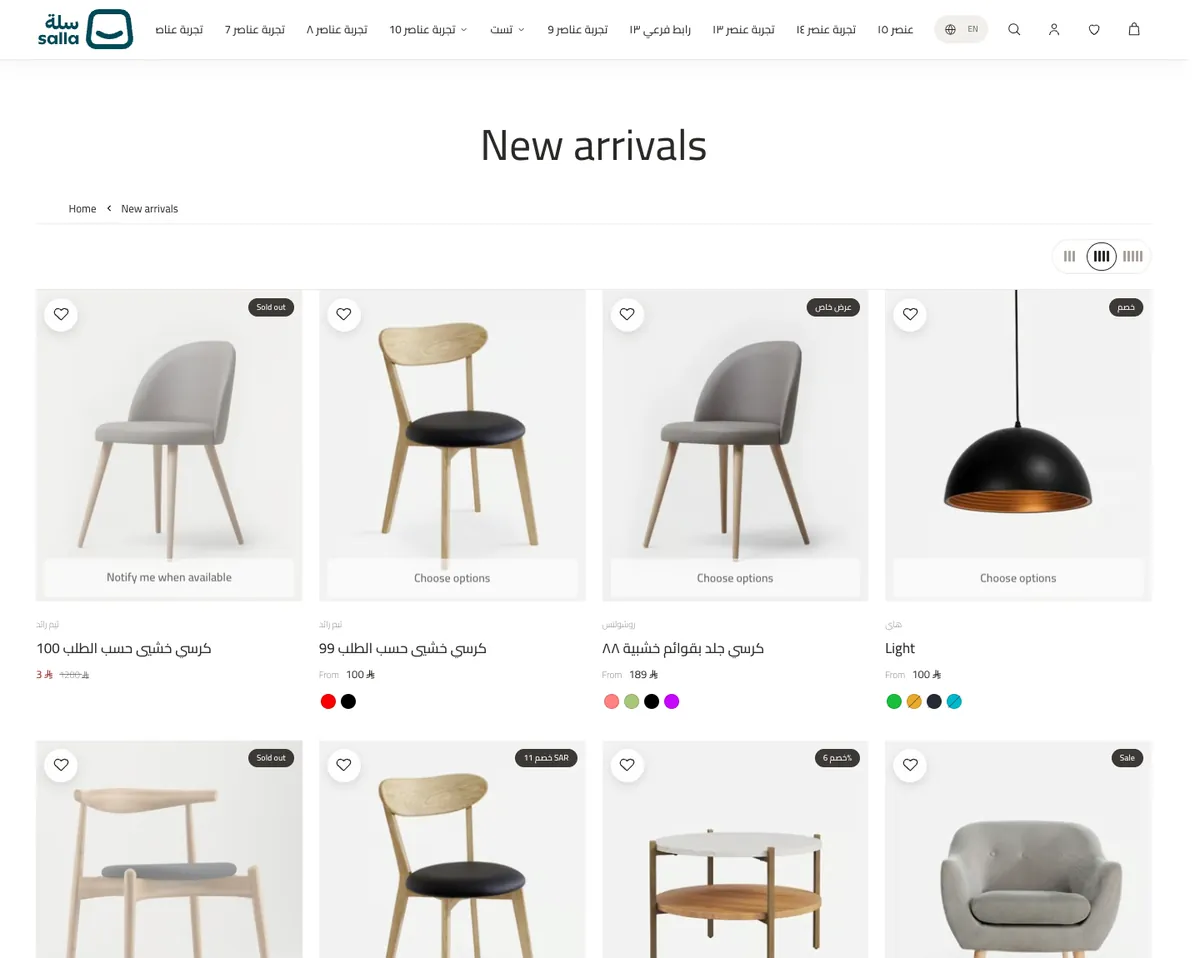
- Product card with swatches
- Category page with banner
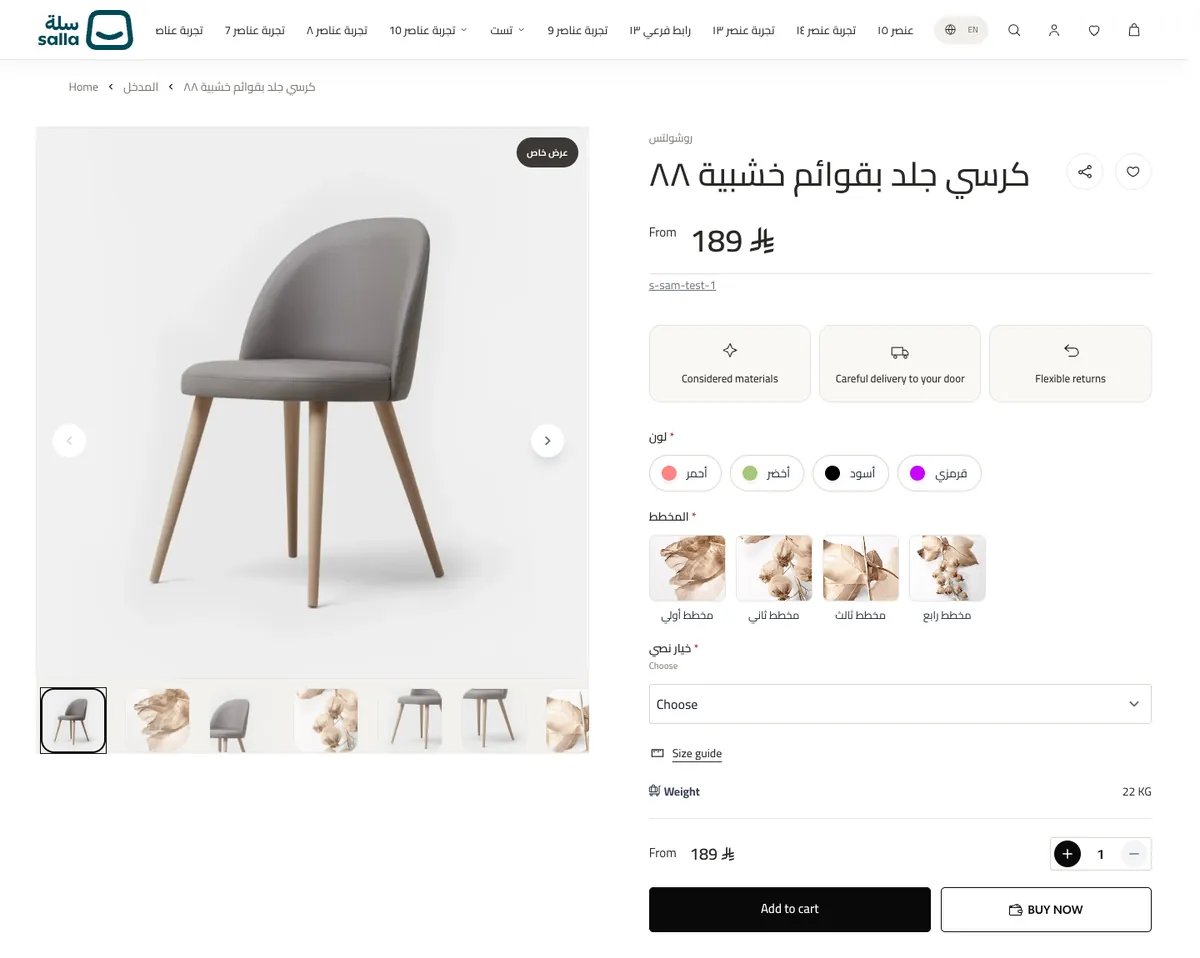
- Product page and size guide
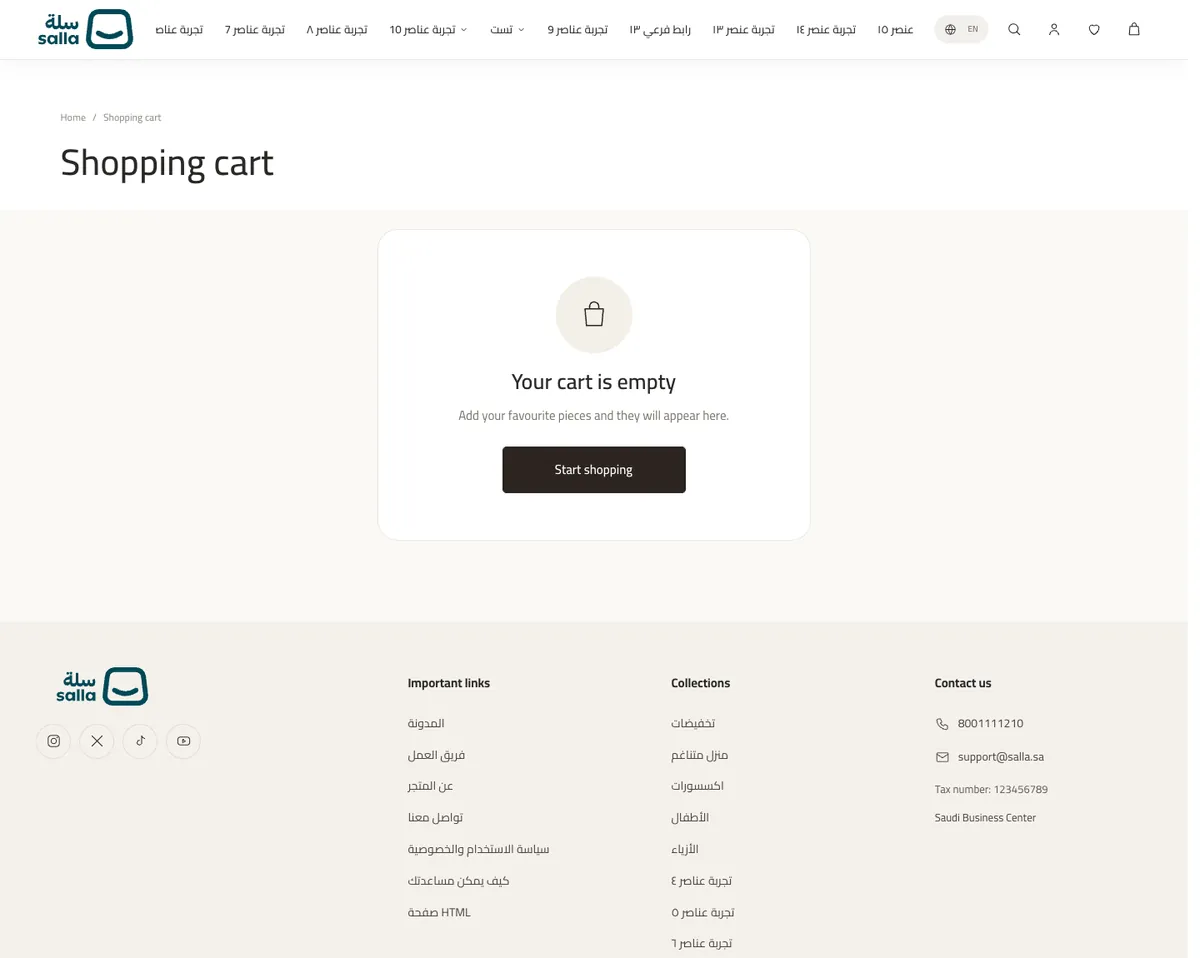
- Custom cart
- Footer and trust strip
- WhatsApp button
Customisation
- Brand colours
- Button and card corners
- Page margins
- Store font
- Custom CSS
- Separate mobile images
Home sections
Fourteen sections, real screenshots
Each card opens that section's guide in the documentation: its controls, images and desktop and mobile behaviour.
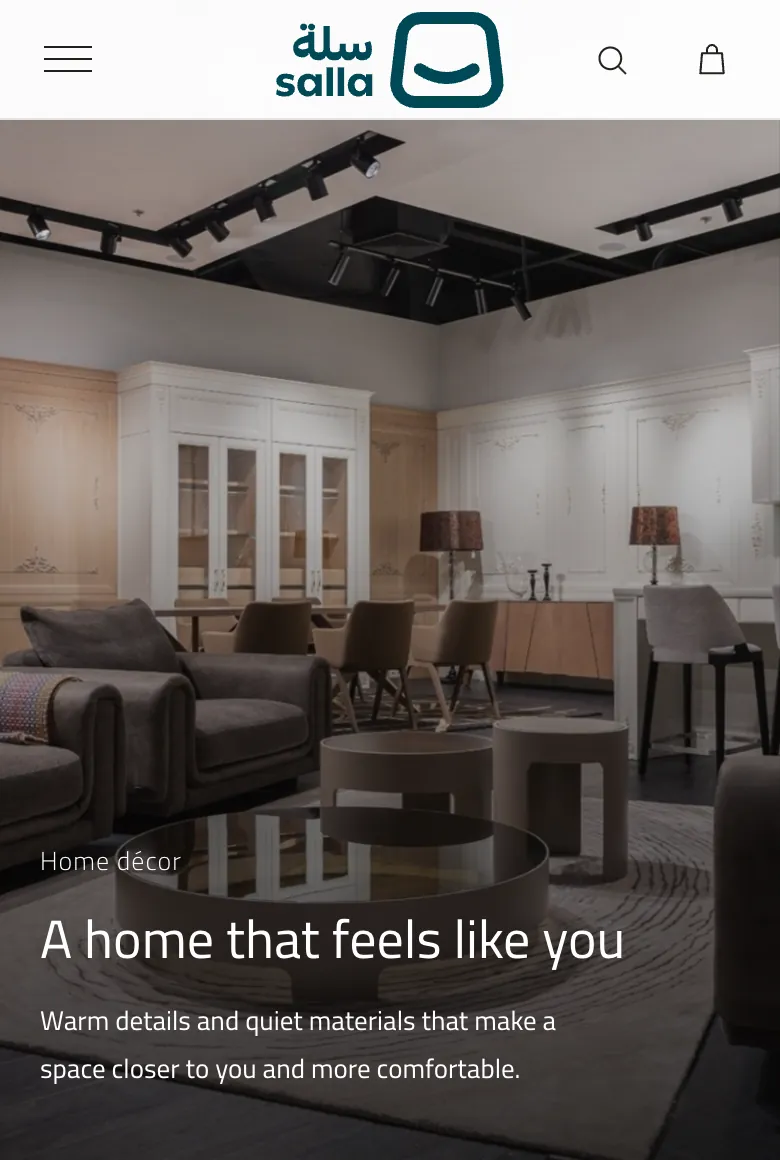
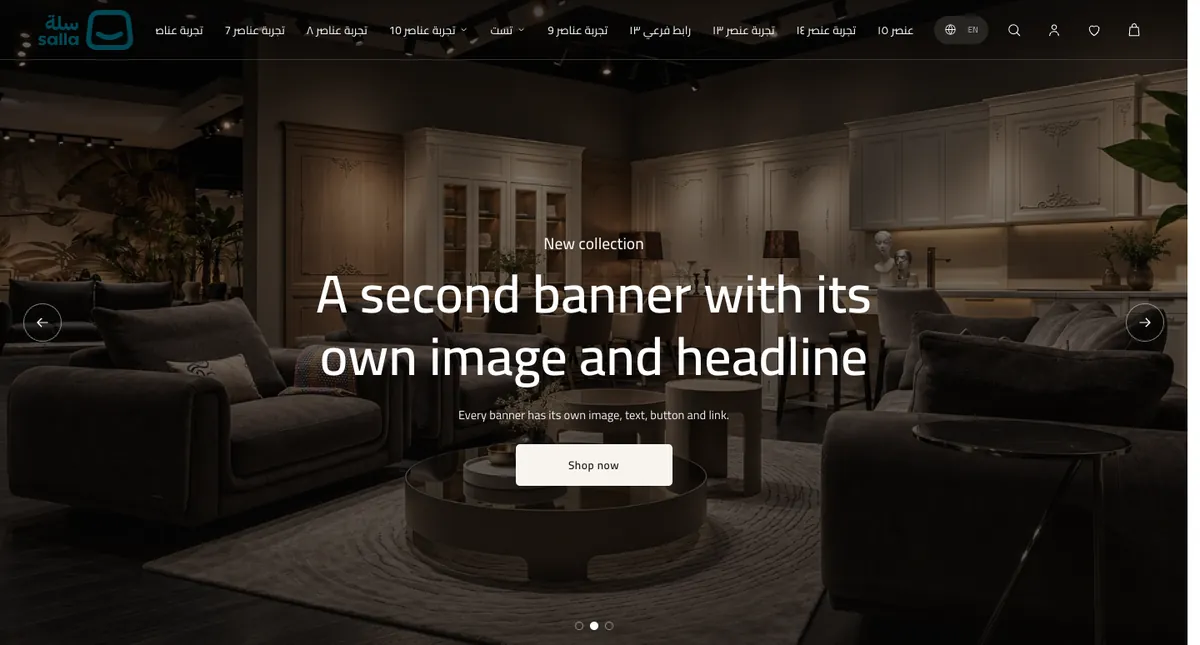
- 01HeroThe first thing a visitor sees: a large image with a headline, supporting text and a button. It works as a single banner or as a slideshow of several banners, with an optional video.
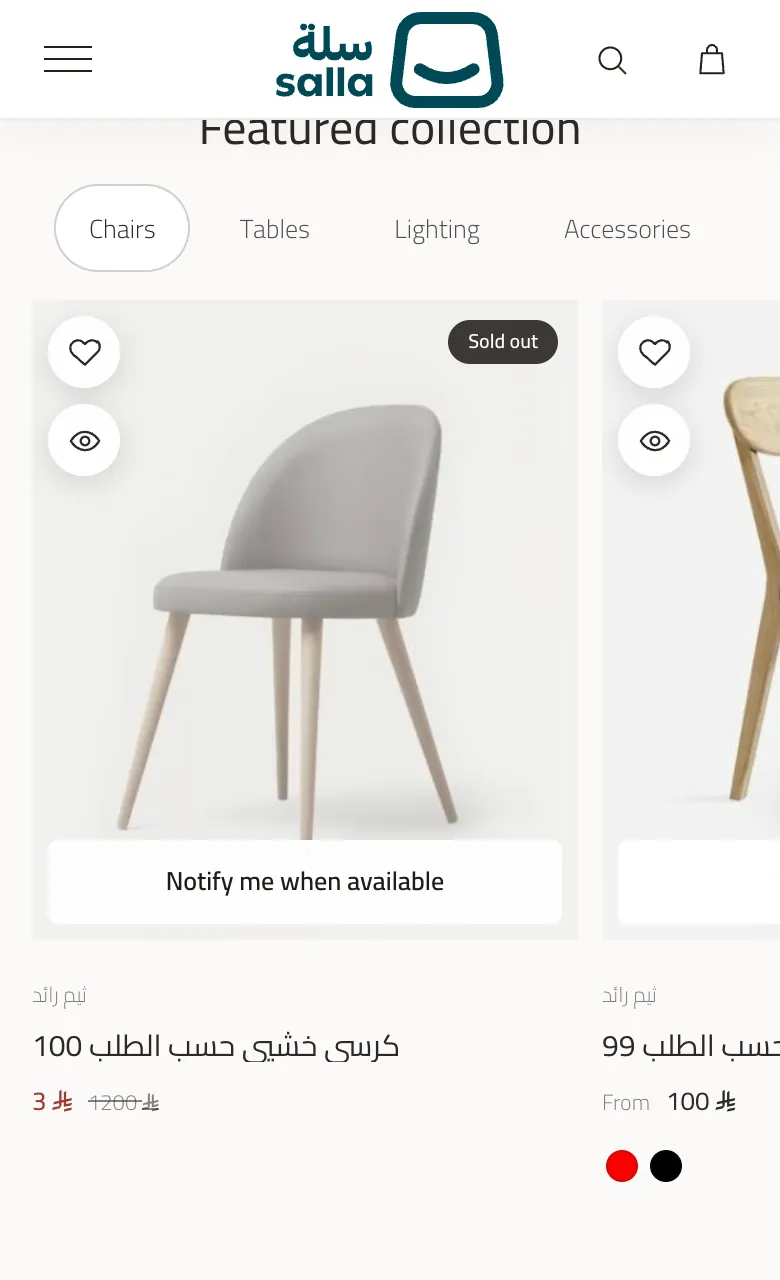
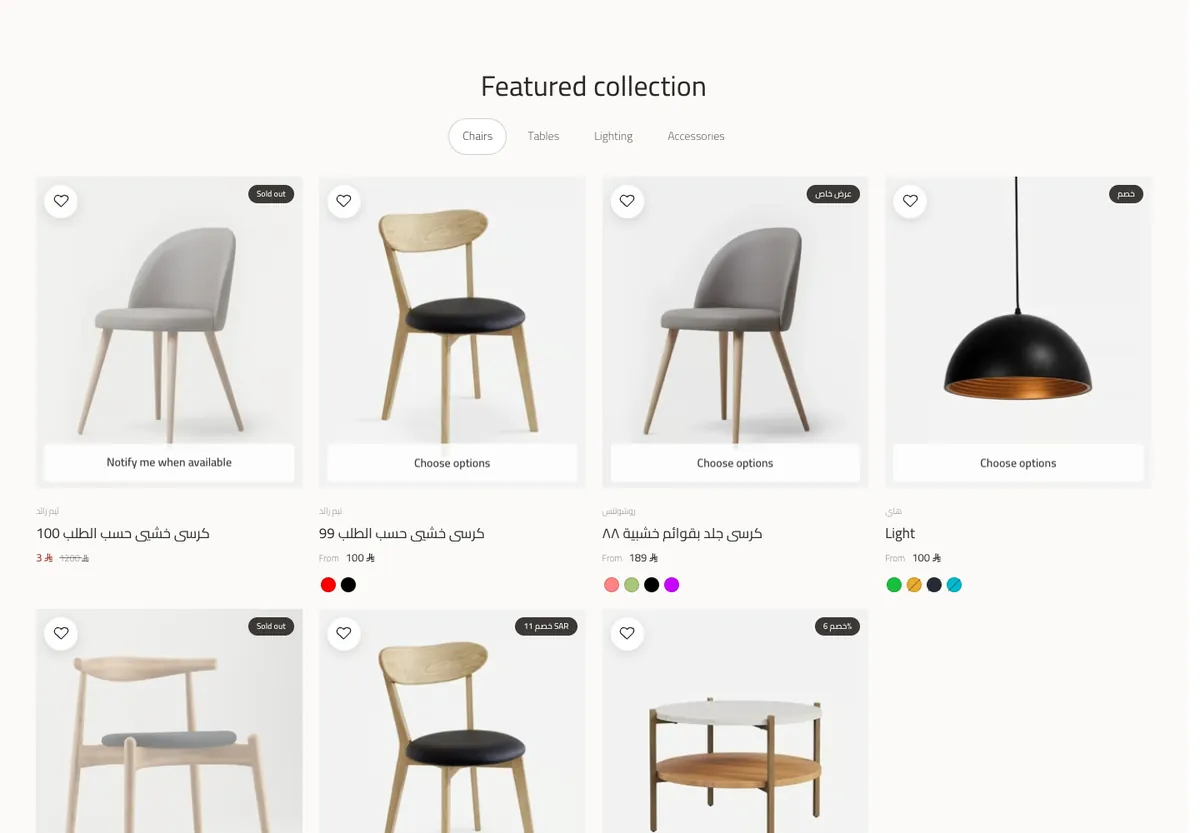
 02Featured collection (tabs)Tabbed product collections: each tab has a name and a list of products, shown as a horizontal rail or as a grid.
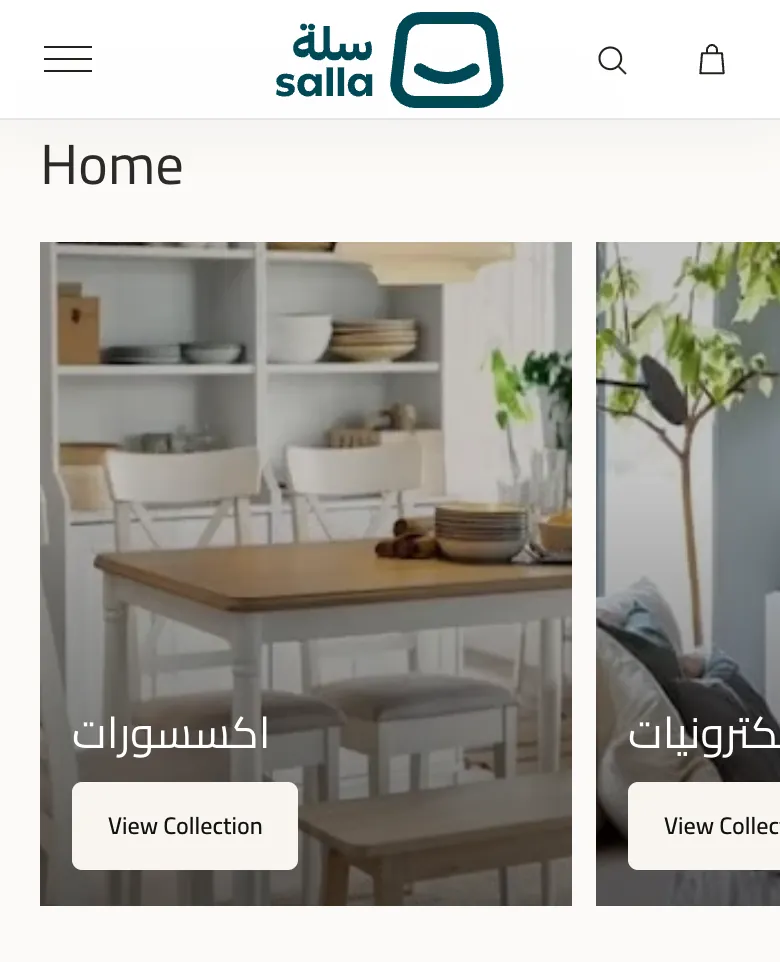
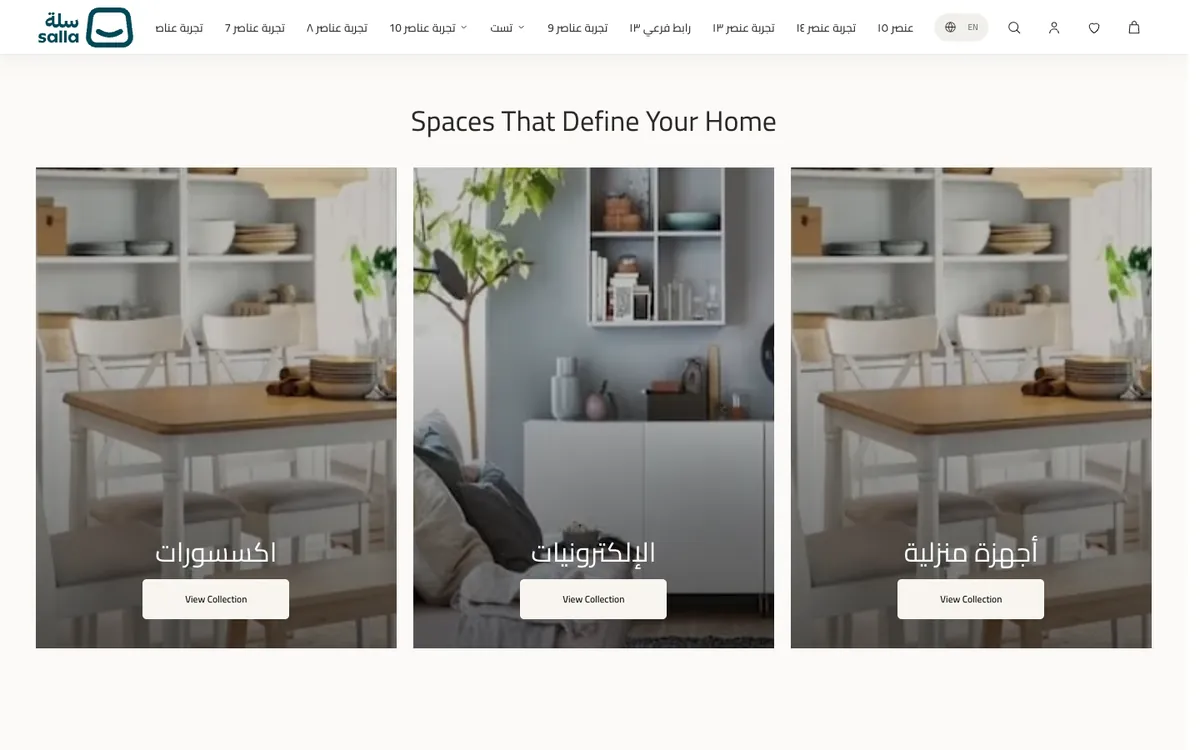 03Spaces selectionThree large image cards that introduce the rooms of the home or your main categories.
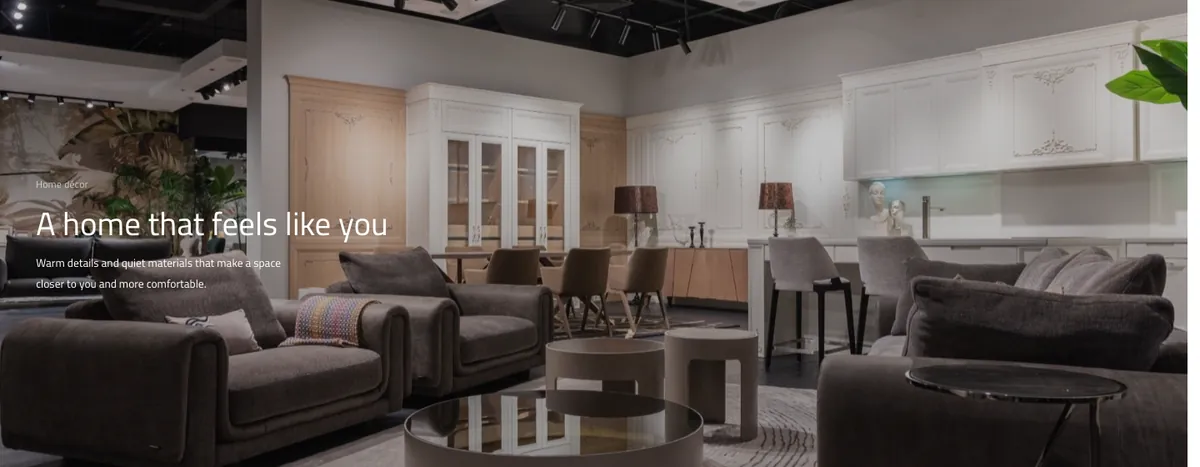 04Media storyA visual story with a cover image or video, a headline, text and an optional button; it can pin in place while scrolling.
 05Build your set (product bundle)"Build your set": the visitor picks several pieces from a list you define and adds them to the cart in one go.
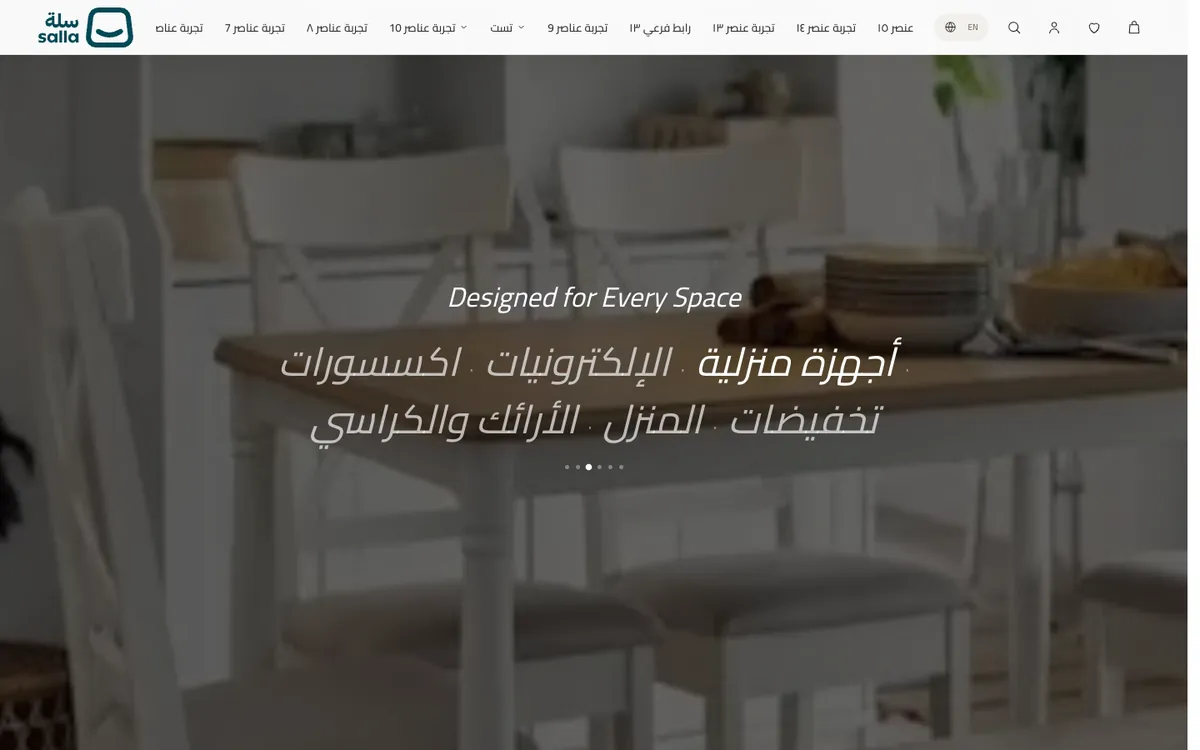 06Shop by spaceShop by space: a list of spaces (living room, bedroom…) whose image changes on scroll or when a space is picked.
 07Text with imageText beside an image, with an optional floating transparent PNG over the main image, or a video.
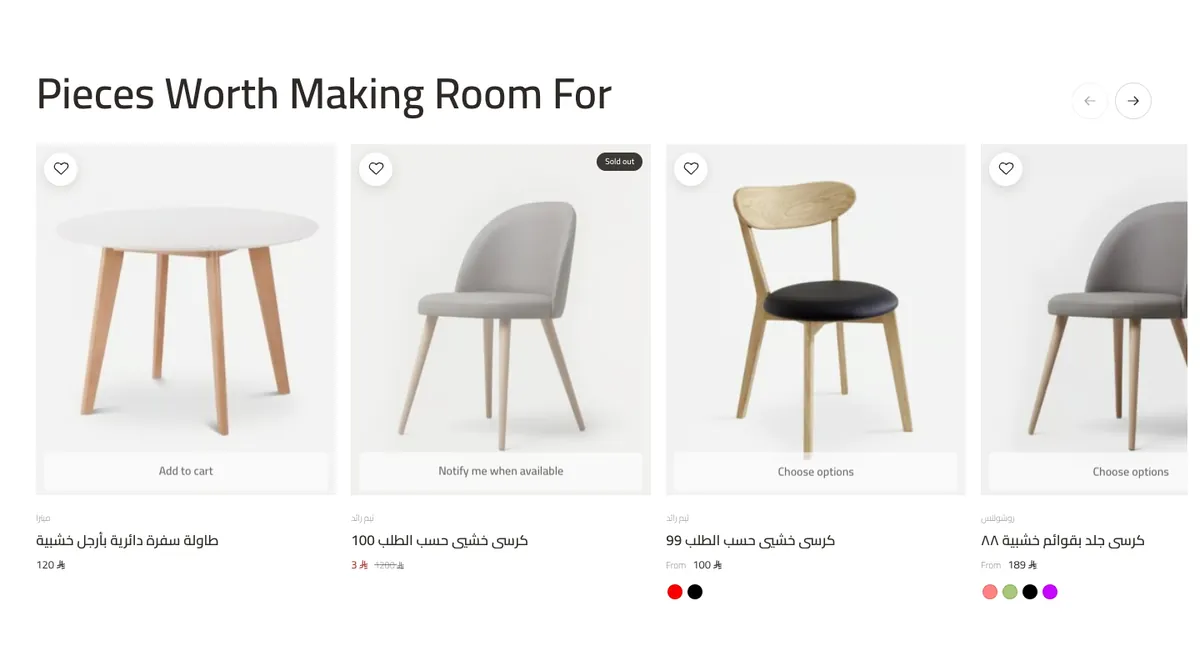 08Product carouselA single product strip (up to 20 products), as a horizontal rail or as a grid.
 09Brand sliderA strip of brand logos, or a moving text ticker with a brand name and a short tagline.
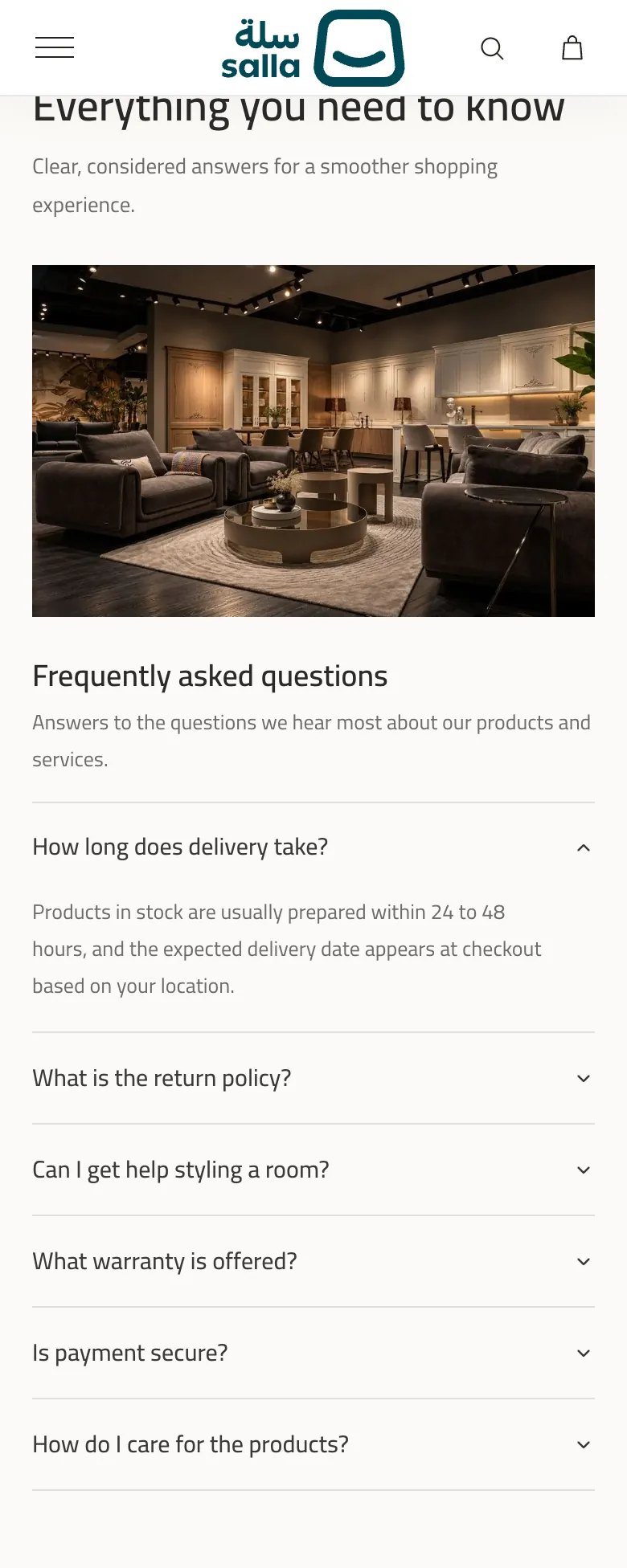
 10FAQFrequently asked questions with collapsible answers, beside an image or an optional video.
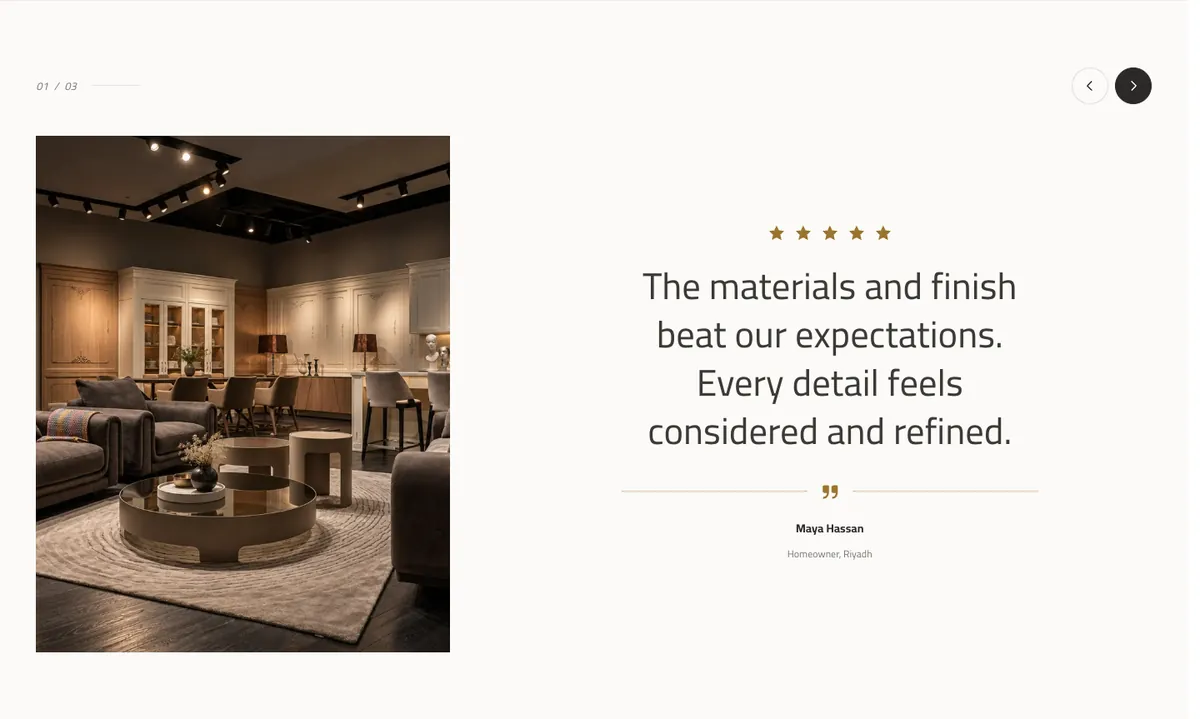 11TestimonialsCustomer testimonials as a large quote with a photo and a star rating, navigated with buttons, dots or automatically.
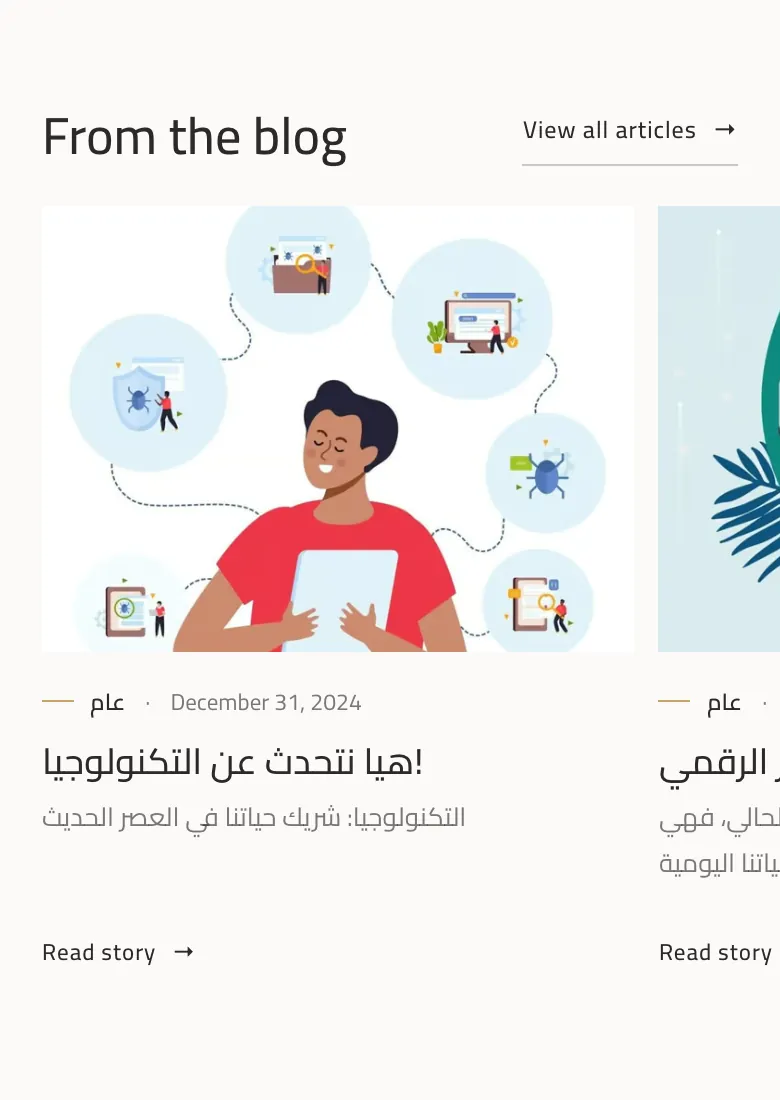
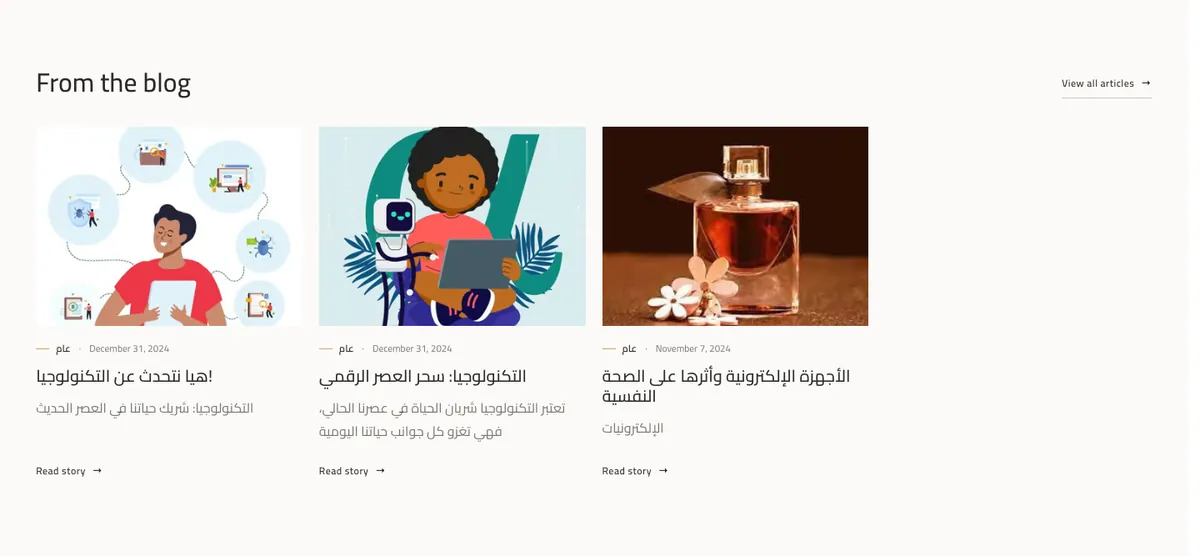 12Blog / journalThe latest articles from the store blog (up to 8) as cards with an image, category, date and excerpt.
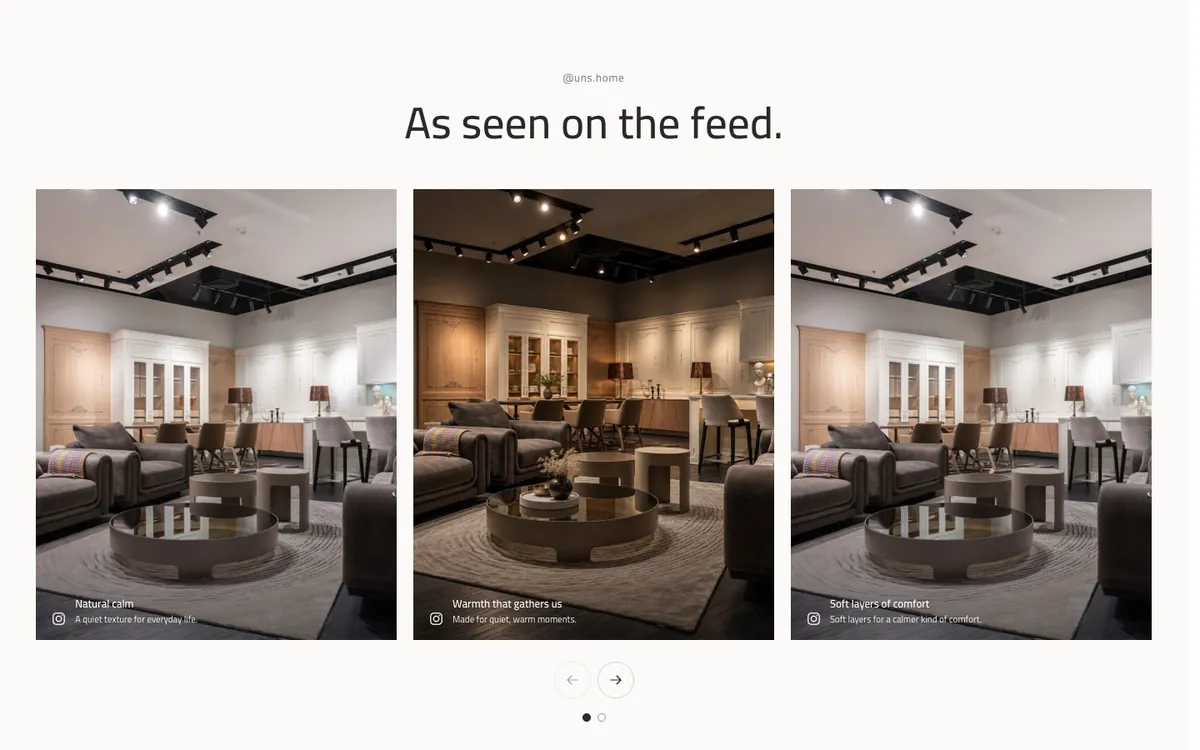
 13Social galleryA social-media-style image gallery that you add by hand, with the account handle and a follow button.
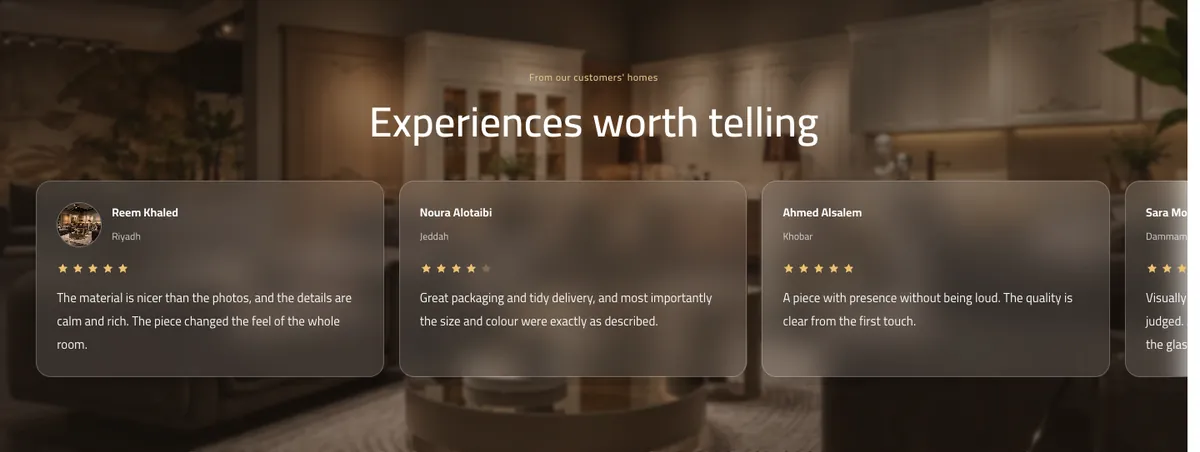 14Reviews over an imageCustomer reviews over a background image with a glass effect, from real store reviews or reviews you type by hand.
Desktop and mobile
Designed for phones as much as desktops
These are the theme itself on a phone: hero, featured collection, spaces, media story, blog and FAQ.
Slideshow, Grid and Slider
Pick the layout that suits your store
The hero works as a single banner or a slideshow of up to 6 banners. The featured collection, product strip, blog and social gallery offer two layouts. The options that belong to a layout appear only once you choose it.

| Section | Available layouts |
|---|---|
| Hero | Single banner or slideshow (up to 5 extra banners) |
| Featured collection (tabs) | Rail or Grid |
| Product carousel | Rail or Grid |
| Blog / journal | Grid or Slider |
| Social gallery | Grid or Slider |
Storefront
More than the home page
The header, footer, category page, product page and cart all carry the UNS design and have their own settings in the editor.
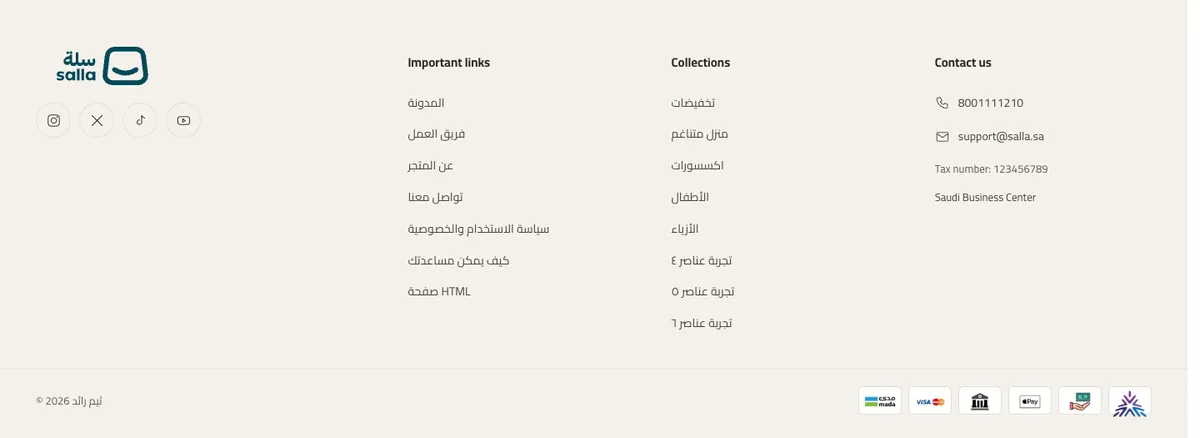
Arabic and English
The layout follows the language
The same page in Arabic (RTL) and English (LTR). Every text you type in the editor is saved for the language you are editing.
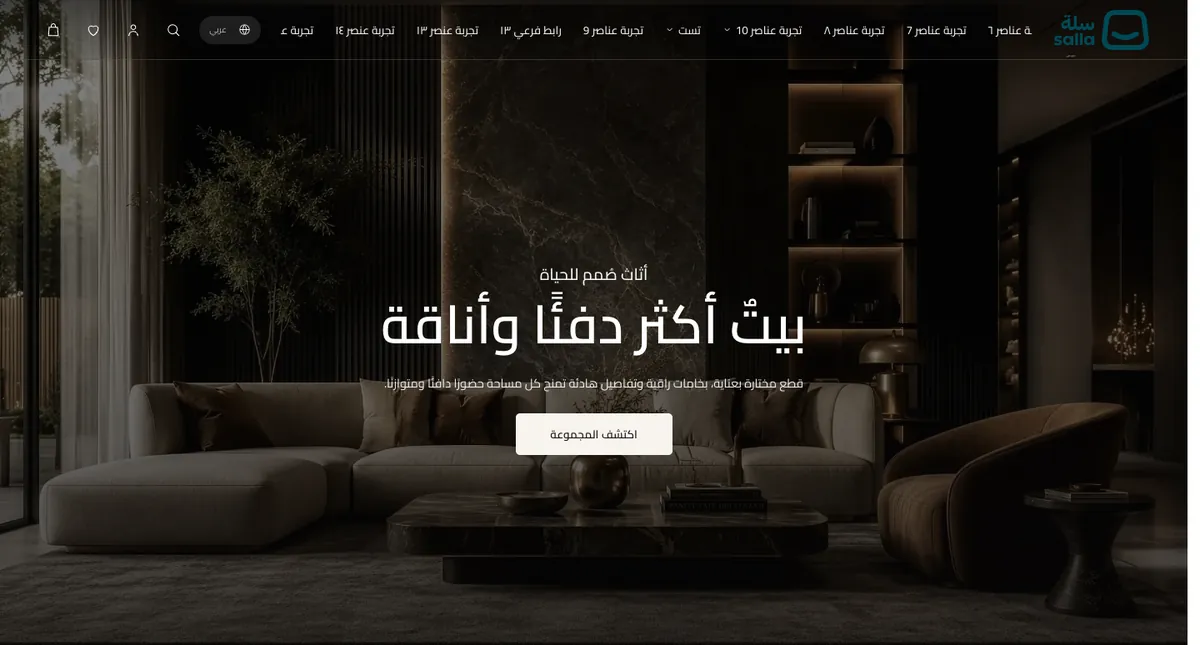
What the theme controls and what Salla manages
Native features stay with Salla
UNS Studio controls look and layout. Data and operations are managed by Salla as usual.
| Feature | Controlled by UNS Studio | Managed by Salla |
|---|---|---|
| Products, prices and stock | Card and product page design, colour swatches, quick view | Product data, options, pricing and stock |
| Cart and checkout | Cart page design, its texts and hiding its elements | How the cart, checkout, payment and shipping work, plus the Buy now and Apple Pay buttons, which are Salla components |
| Wishlist, login and search | Showing or hiding the header icons, and their design | How the wishlist, account and search work |
| Language and currency | Showing the selector in the header and its design | Enabled languages and currencies, and exchange rates |
| Blog and reviews | Showing them on the home and product pages | The articles and customer reviews themselves |
The Zid version
Selling on Zid?
UNS also exists as a separate theme for Zid stores with the same design, with its own page and documentation. Installation and customisation differ between the two platforms, so follow the documentation of the platform you sell on. The UNS Zid theme page.
Start with the documentation
A detailed guide for every section and setting, and a support page that tells you how to write to us and what to include.