Shopify theme · Online Store 2.0
Frameshift: a Shopify theme for gaming hardware stores
Cinematic homepages, an interactive keyboard, FPS benchmarks on product pages and three ready-made presets: Frameshift, Arena and Void. Everything is edited in the Shopify theme editor, with no code and no apps.

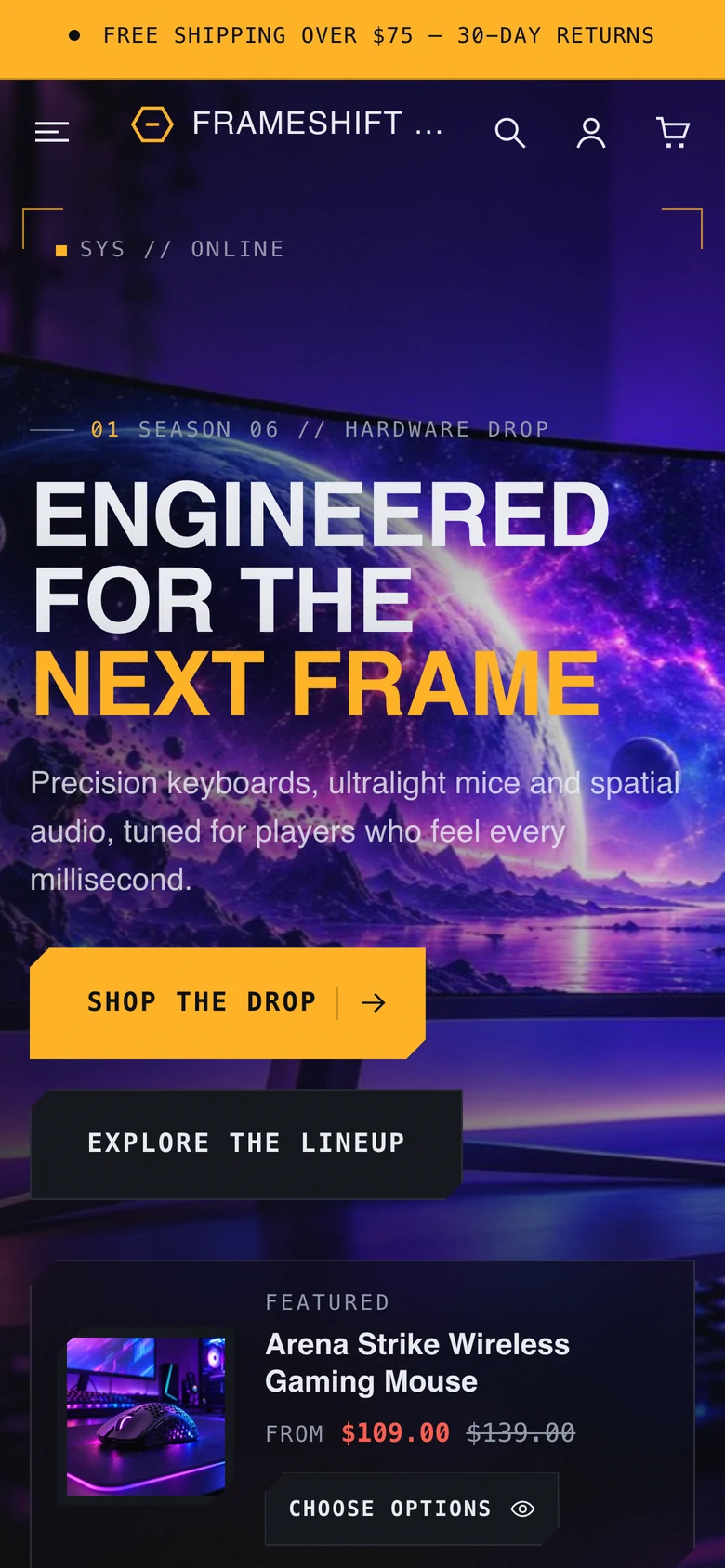
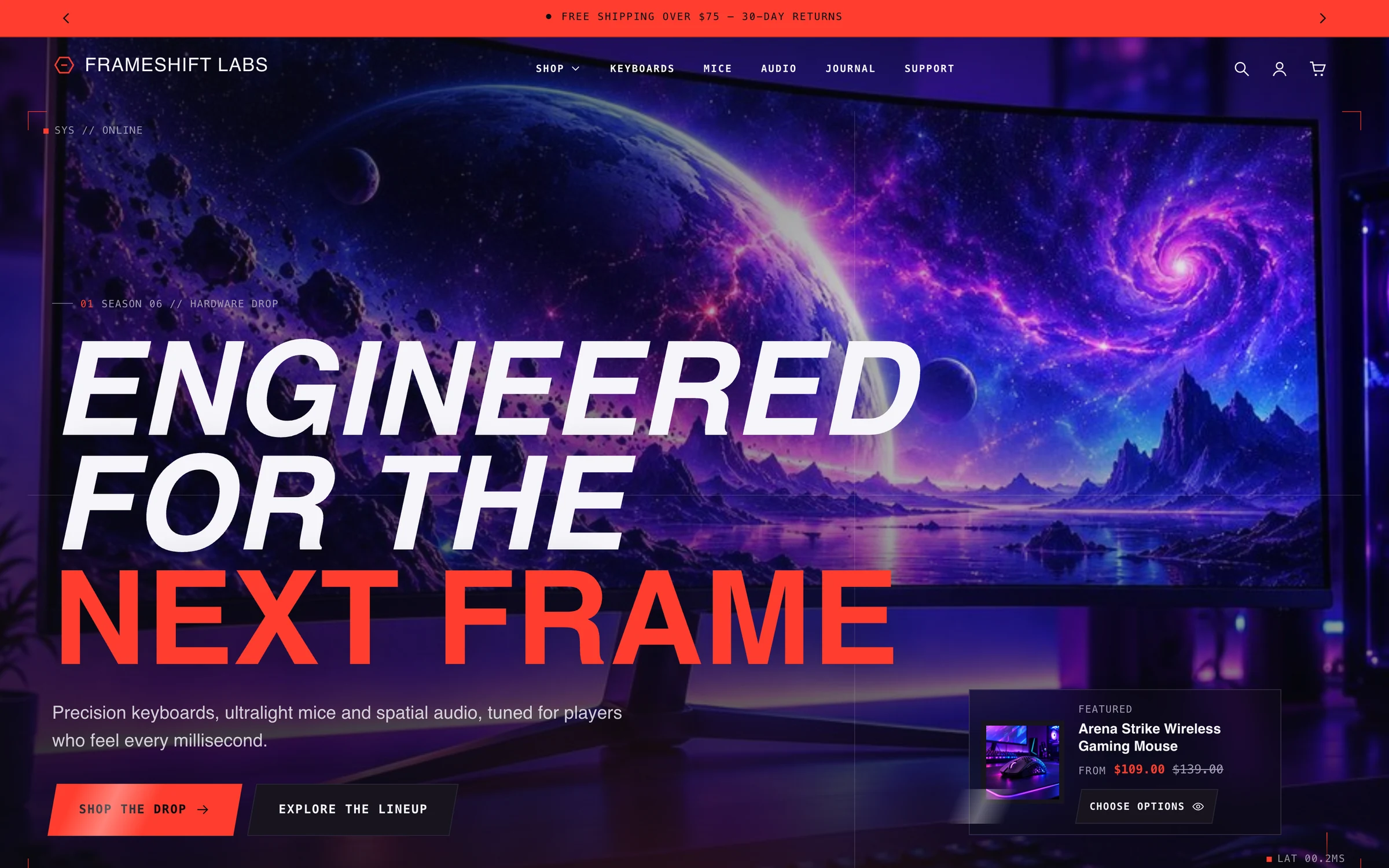
- 3presets: Frameshift, Arena and Void, each with its own homepage, product page and collection page
- 45sections you can add and reorder from the theme editor
- EN + AREnglish and Arabic storefront text, with right-to-left layouts
- Phone firstswipe rows, a sticky buy bar and 44 px touch targets
Three presets
One theme, three kinds of gaming store
A preset sets colours, type, corner shapes, button style, motion and the starting homepage together. Switch between them in Theme settings and keep your content.



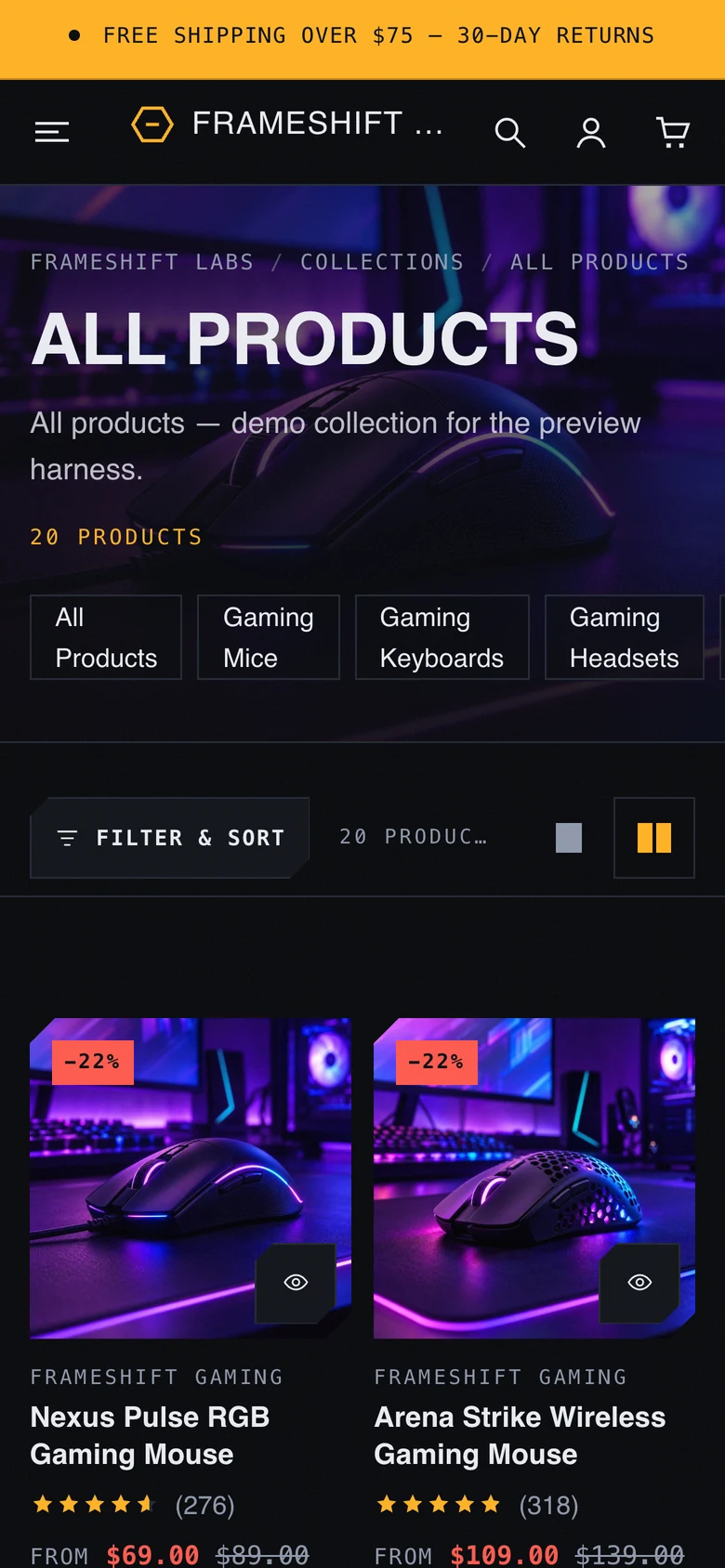
On phones
Built for thumbs first
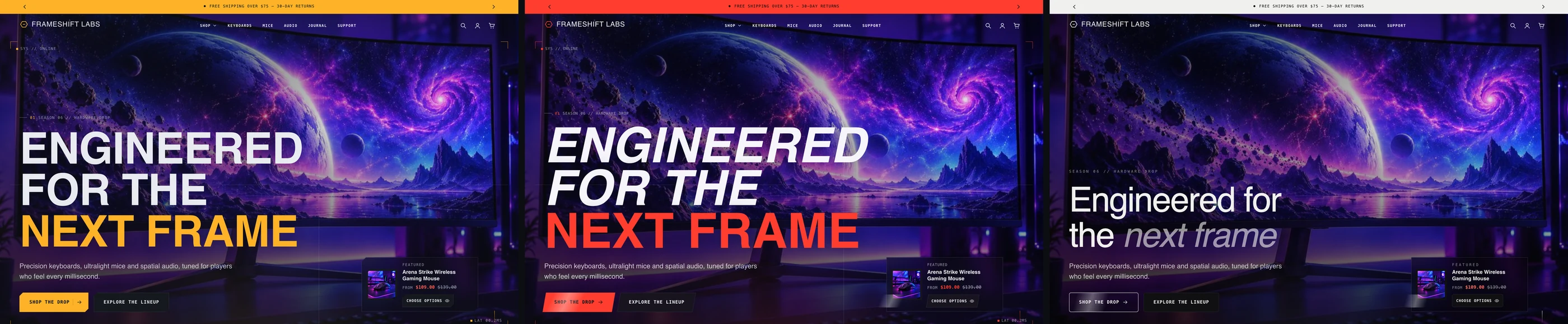
Card lists become swipe rows, the interactive keyboard pans inside its case with keys of at least 24 px, and motion drops to light reveals by default so pages stay fast.


What is inside
Everything a gaming hardware store needs
Homepage sections
- Cinematic hero
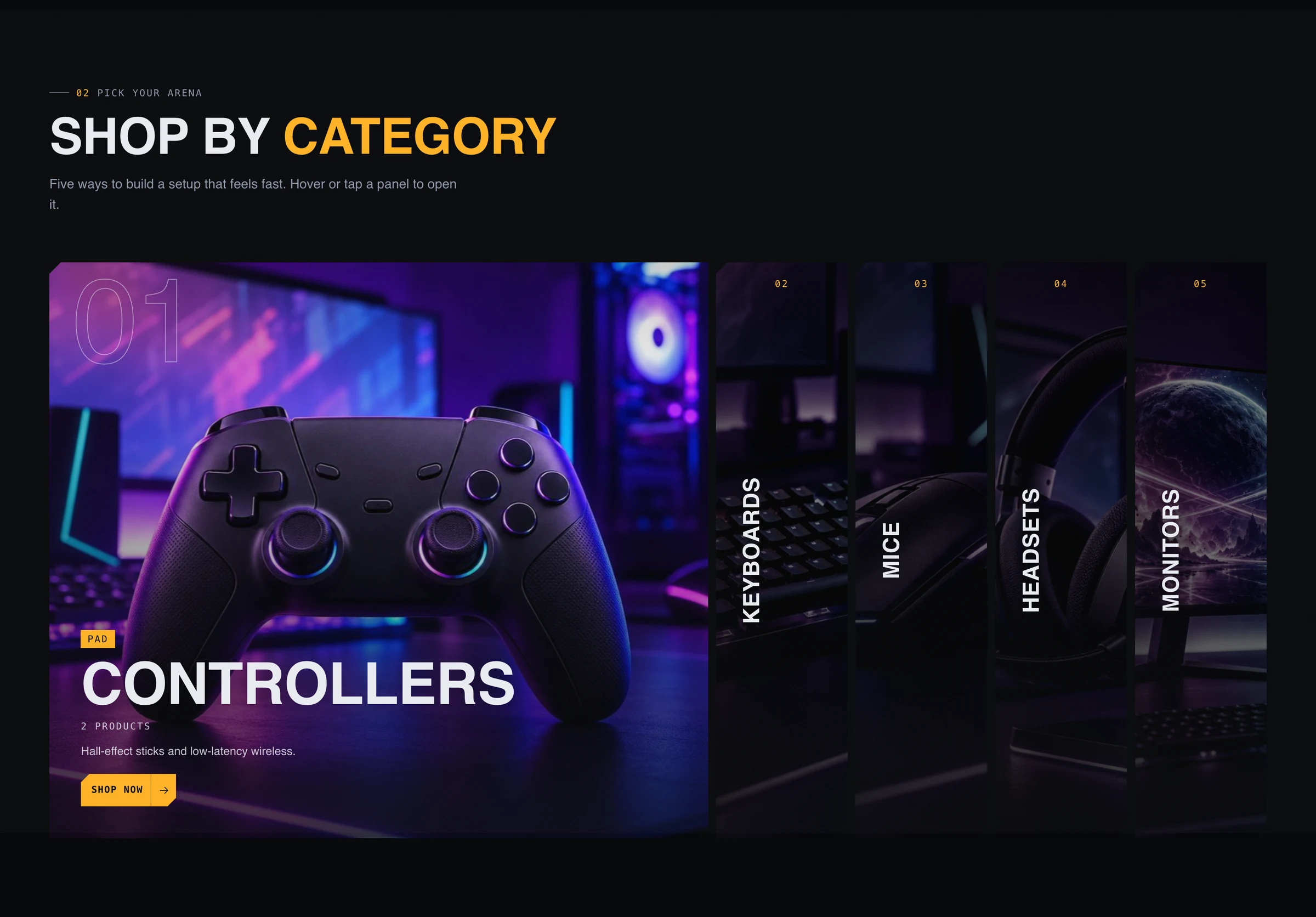
- Category showcase
- Cinematic video
- Interactive keyboard
- Performance showcase
- Product explorer
- Product coverflow
- Horizontal showcase
- Countdown campaign
- Product theater
- Comparison table
- Hotspots
- Before and after
- Spotlight reveal
- Loadout quiz
- Setup builder
- Testimonials
- FAQ
Store pages
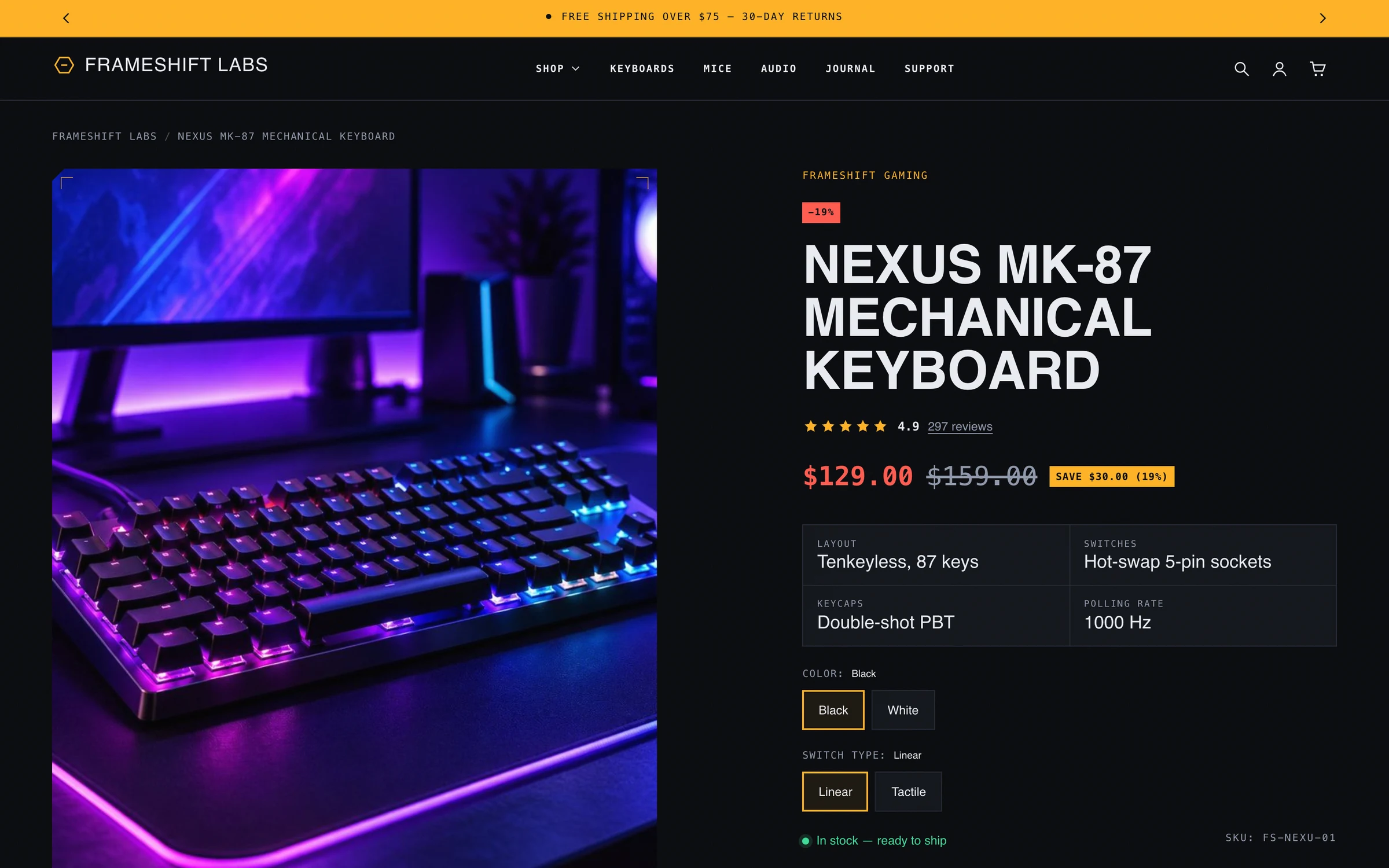
- Product page with 21 blocks: key specs, delivery estimate, inventory, specifications, complementary products and app blocks
- FPS benchmarks and games it can run blocks driven by product metafields
- Collection page with filters, sorting, category chips and a density toggle
- Cart drawer and cart page with notes, discounts and accelerated checkout
- Predictive search, quick view and quick add
- Gift card, blog, article, contact and 404 pages
Control
- Colour schemes for every section
- Heading and body fonts from Shopify’s font library
- Motion level, reveals, parallax and cursor effects, each with its own switch
- Shopify account component in the header
- Custom Liquid section and app blocks
- English and Arabic storefront text
Getting started
Ready in about 15 minutes
- UploadOnline Store, Themes, Add theme, Upload zip file.
- Pick a presetTheme settings, Experience mode: Frameshift, Arena or Void.
- NavigationCreate a main menu and a footer menu; nested links become mega-menu columns.
- CollectionsChoose one per category panel on the homepage.
- Add specsOptional product metafields for specifications, FPS benchmarks and games it can run.
Quick questions
Before you ask
Do I need to write code?
No. Every section, block and setting is edited in the Shopify theme editor. Developers can still add Custom Liquid or app blocks.
Does it need an app?
No. Product filters, related products and complementary products use Shopify’s free Search and Discovery app, which is optional.
Which Shopify plans does it work on?
Any plan that supports Online Store 2.0 themes. It uses standard theme features only.
Try Frameshift on your store
Open the live preview, read the documentation, or talk to us about your setup.